

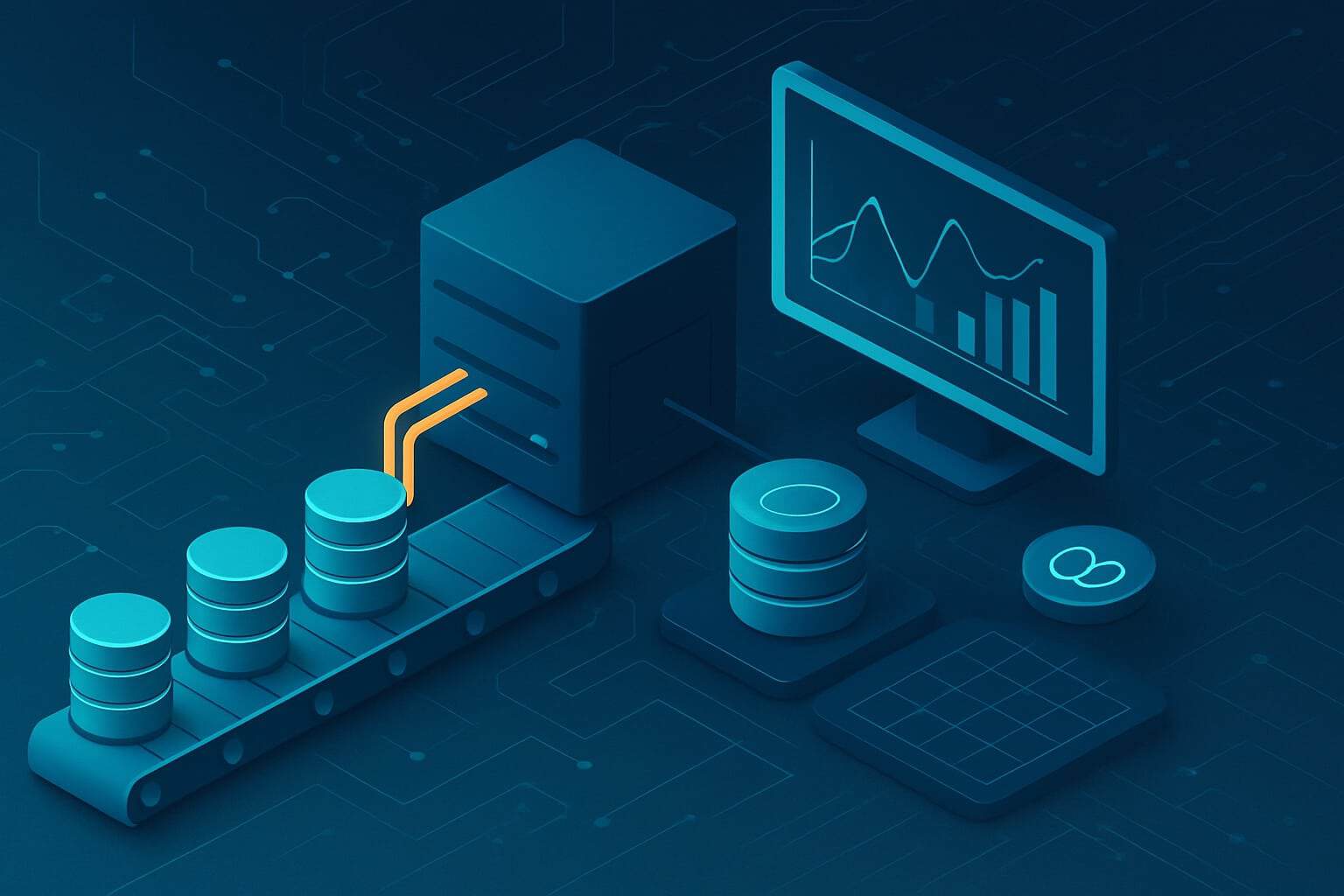
How to Build Robust Data Pipelines by Automating Your Data Workflow
In today’s data-driven world, manual data handling is no longer viable for organizations seeking scale, speed, and reliability. That’s where automated data workflows come in.
A data workflow refers to the series of steps that move raw data from source to usable insight—through ingestion, transformation, storage, and analysis. Automating these steps not only eliminates the risk of human error but also improves consistency and observability across the pipeline.
Whether you’re refreshing reports daily or streaming IoT data in real time, automating your pipeline is essential for modern analytics and decision-making.
Why Automating Data Workflows Matters
Reduces Human Error
Manual updates, copy-paste workflows, and hand-triggered scripts are error-prone and often undocumented. Automation ensures repeatable, verifiable execution.
Enables Faster Insights
Automated workflows shorten the time between data arrival and business impact. This means faster reports, dashboards, and actions.
Supports Real-Time Analytics
With the right architecture, automated pipelines enable near real-time data processing—critical for fraud detection, personalization engines, and operational dashboards.
Scales with Your Business
As data volumes, sources, and use cases grow, automated workflows scale with less incremental effort, enabling teams to spend more time on analysis and less on plumbing.
Core Components of a Robust Data Pipeline
A strong data pipeline needs to be more than functional—it must be maintainable, scalable, and observable. Below are the building blocks of modern pipelines:
Data Ingestion: APIs, file drops, CDC tools, and database connectors bring in raw data from source systems.
Data Transformation: ETL (Extract, Transform, Load) or ELT (Extract, Load, Transform) to standardize and enrich data for analytics.
Data Storage: Warehousing data in platforms like Snowflake, BigQuery, Redshift, or Delta Lake.
Scheduling and Orchestration: Ensures workflows run at the right time, in the right order, and with dependencies accounted for.
Monitoring and Alerting: Tracks pipeline health, performance, and failures.
Automation Tools and Technologies
A wide range of tools support data pipeline automation and workflow orchestration. Some are open-source, while others are fully managed cloud services:
Open-source orchestration tools:
Apache Airflow: Widely adopted for DAG-based scheduling and extensibility
Prefect: Developer-friendly with automatic retries and flow versioning
Luigi: Python-based, good for batch job dependencies
Cloud-native services:
Tool Comparison Snapshot:
Feature | Airflow | Prefect | Azure Data Factory | GCP Dataflow |
|---|---|---|---|---|
Open-source | ✅ | ✅ | ❌ | ❌ |
Cloud-native integration | Moderate | High | Excellent | Excellent |
Real-time streaming | ❌ | Limited | ✅ | ✅ |
UI-based development | Basic | Strong | Strong | Moderate |
Fault tolerance | Manual setup | Built-in retries | Built-in | Built-in |
Note: Tool choice should align with your architecture, team skills, and SLAs.
Best Practices in Building Automated Workflows
To build pipelines that are resilient and maintainable over time, consider the following engineering practices:
Establish clear data governance and security policies: Define ownership, retention rules, access levels, and quality standards.
Use modular and reusable components: Create functions or classes for common transformations and ingestion logic.
Implement robust logging and error tracking: Always know what ran, what failed, and why.
Design for idempotency: Your pipeline should produce the same result even if run multiple times.
Schedule jobs with SLAs in mind: Align scheduling with business expectations—some teams need data at 9am, others at end-of-day.
From Our Clients: Success Through Automation
One of our enterprise retail clients struggled with manual updates of weekly sales data across 130+ branches. Analysts were downloading spreadsheets, cleaning them locally, and uploading summaries—every Monday.
With ProCogia’s help, they:
Implemented a cloud-based ingestion pipeline using Azure Data Factory
Added a scheduling layer and error alerting via Microsoft Teams
Used metadata-driven processing for schema flexibility
Outcome:
Reduced manual effort by 80%
Improved data freshness by 2 days
Enabled real-time visibility into store-level performance
This is the power of workflow automation at scale.
Monitoring and Maintenance
Automating a pipeline is just the beginning. Maintaining pipeline health and performance is equally critical.
Key Observability Features:
Logging and Metrics: Expose processing time, row counts, error rates
Retry Logic: Automatically recover from transient failures
Dashboards and Alerts: Use tools like Grafana, DataDog, or native cloud monitoring to stay informed
SLA Monitoring: Set alert thresholds based on business impact
Proactive monitoring turns data workflows into trusted business assets.
Future-Proofing Your Data Workflows
When building data pipelines for your business, and as your architecture matures, your automation strategy should evolve too.
CI/CD for Pipelines: Version-control your workflows, test changes, and deploy automatically
Metadata-Driven Pipelines: Parameterize workflows based on file structure, schema, or system signals
AI-Enhanced Optimization: Use anomaly detection to auto-scale, route data, or predict failures
These patterns position your team for the future of scalable, intelligent data infrastructure.
Assess and Optimize Your Workflow
If your team is still relying on manual SQL scripts, Excel exports, or hand-scheduled cron jobs, it’s time to modernize.
Assess your current workflow for:
Manual handoffs
Reprocessing effort
Latency in reporting
Missed SLA windows
Undocumented or tribal knowledge
Ready to Automate?
Automated data workflows are no longer a luxury—they’re essential infrastructure for competitive enterprises.Whether you’re using Airflow, Prefect, or a cloud-native stack, building a robust pipeline starts with the right architecture, practices, and partners.
📅 Contact ProCogia for a custom solution to your data pipeline automation needs.
🔗 Explore more on our Data Engineering Services